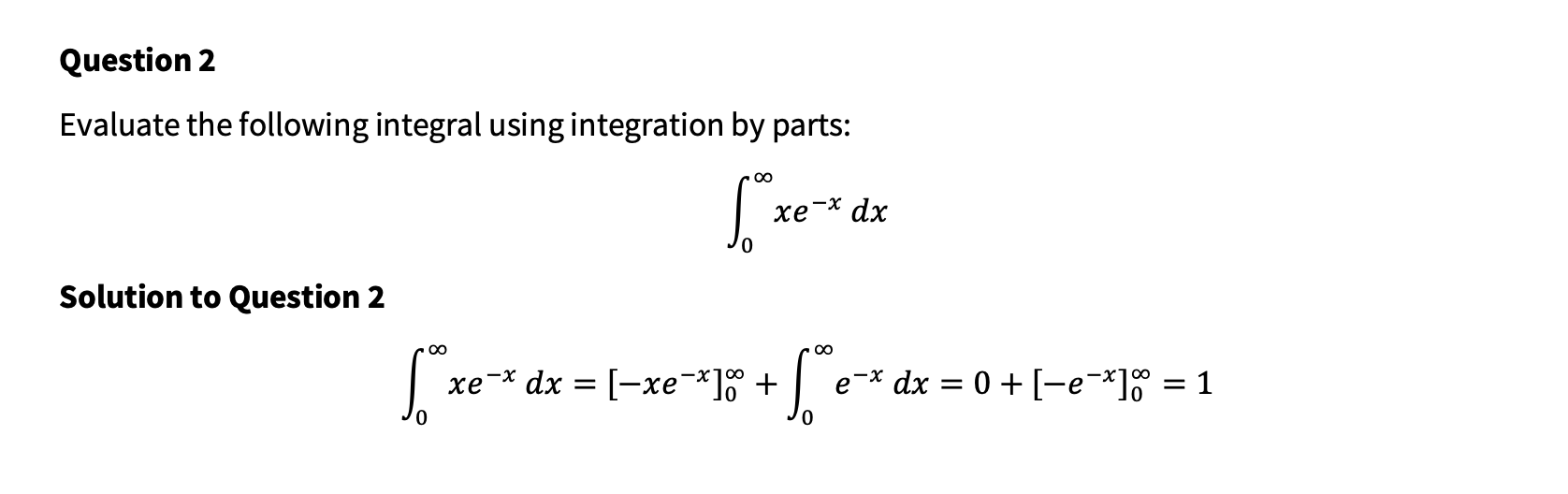
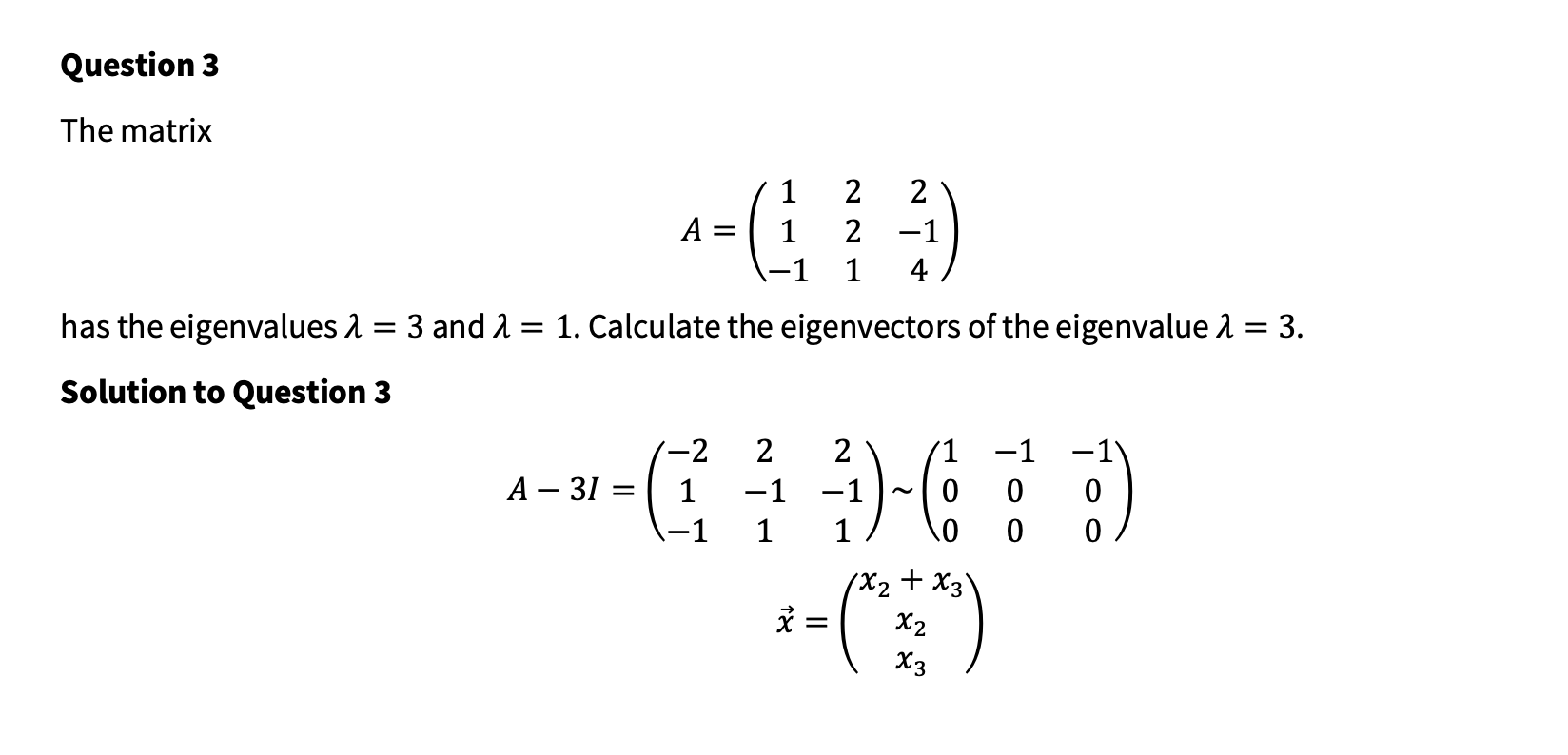
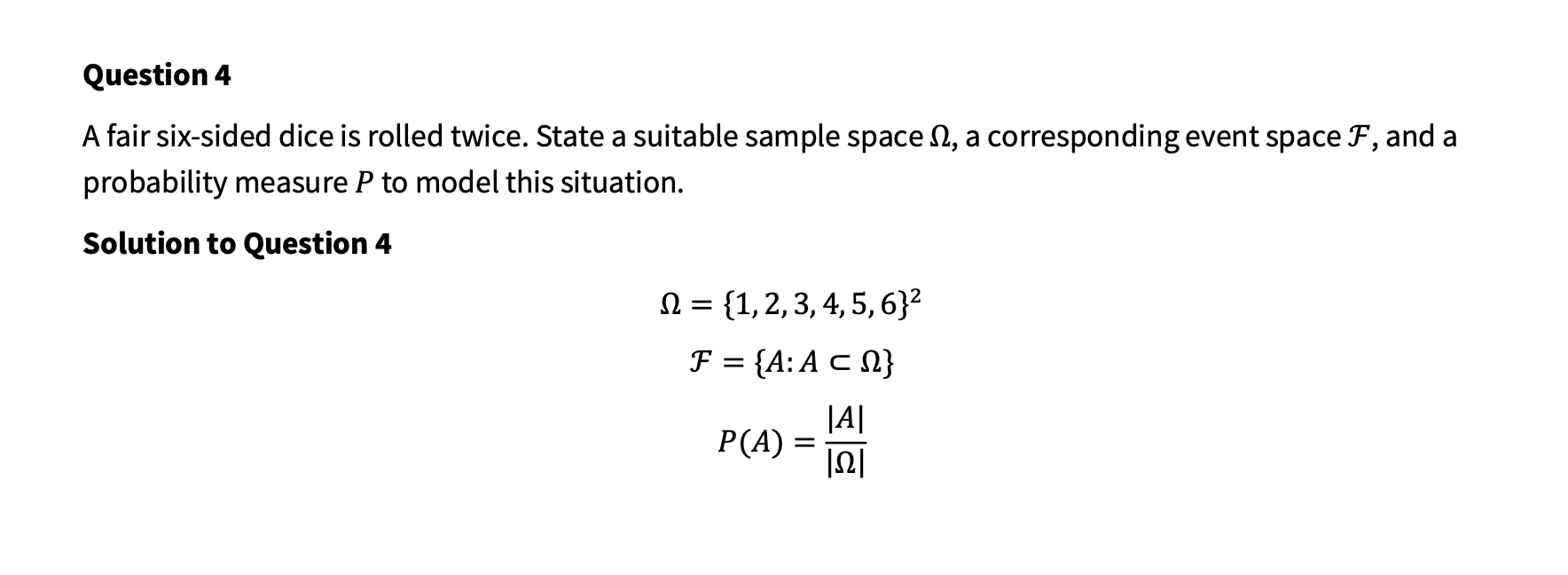
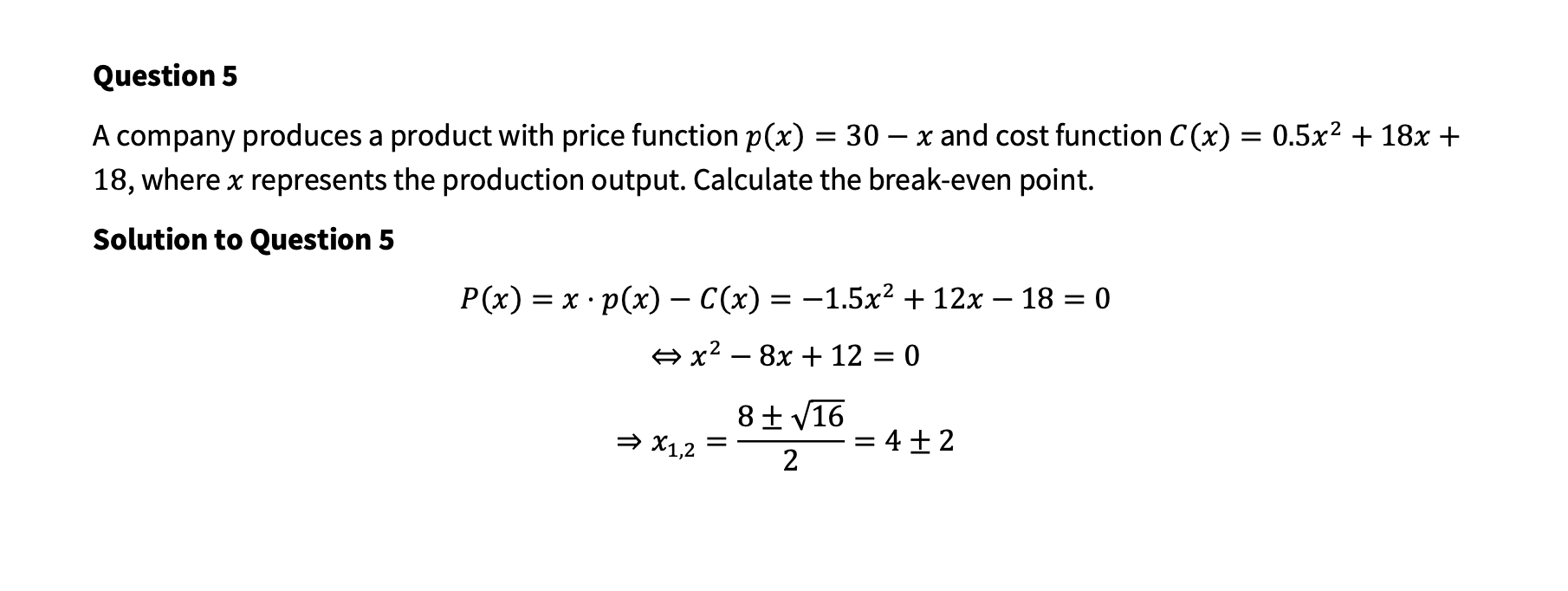
Your goal is to enter expressions using three different software tools: Wiris, Equatio and Mathlive.
Please first read the instructions. Then, you shall start typing the solutions with the help of the chosen software... Once you have tested the software as explained below, please press the LET'S START button on the top right to begin the actual work (limited to 40 minutes) on the experiment.
For each question, you will open the external software using the [O] button on the left. You will type the math in the external browser window containing the software and copy/paste it from there into the question/answer window (as "MathML" code or as pictures/screenshots) You may quickly create a screenshot of a rectangular part of your screen using the shortcut "windows-shift-s" (on Windows) or "Cmd-Shift-4" (on macOS), then dragging a rectangular area using your computer mouse. This is explained in the video below. You can open each of the software systems in its own browser window by clicking on the corresponding screenshots:
The tools are used in their demo version. Please try each of them first and paste the expressions inside the textbox below. Please, paste here (at least) once from each of the software tools to test that all of them are working for you... If not, please, contact us per email, per other email, in this teams channel.
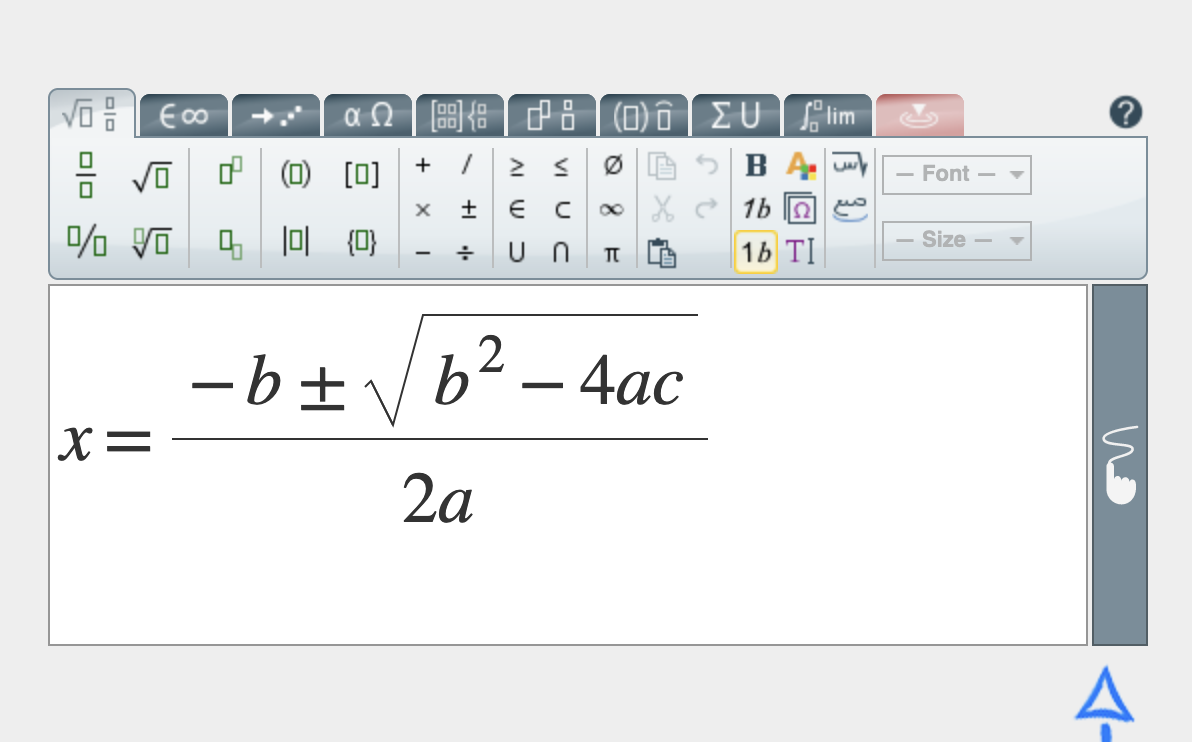 For Wiris, please scroll to the right place, copying is just done using the normal CTRL-C/Cmd-C; | 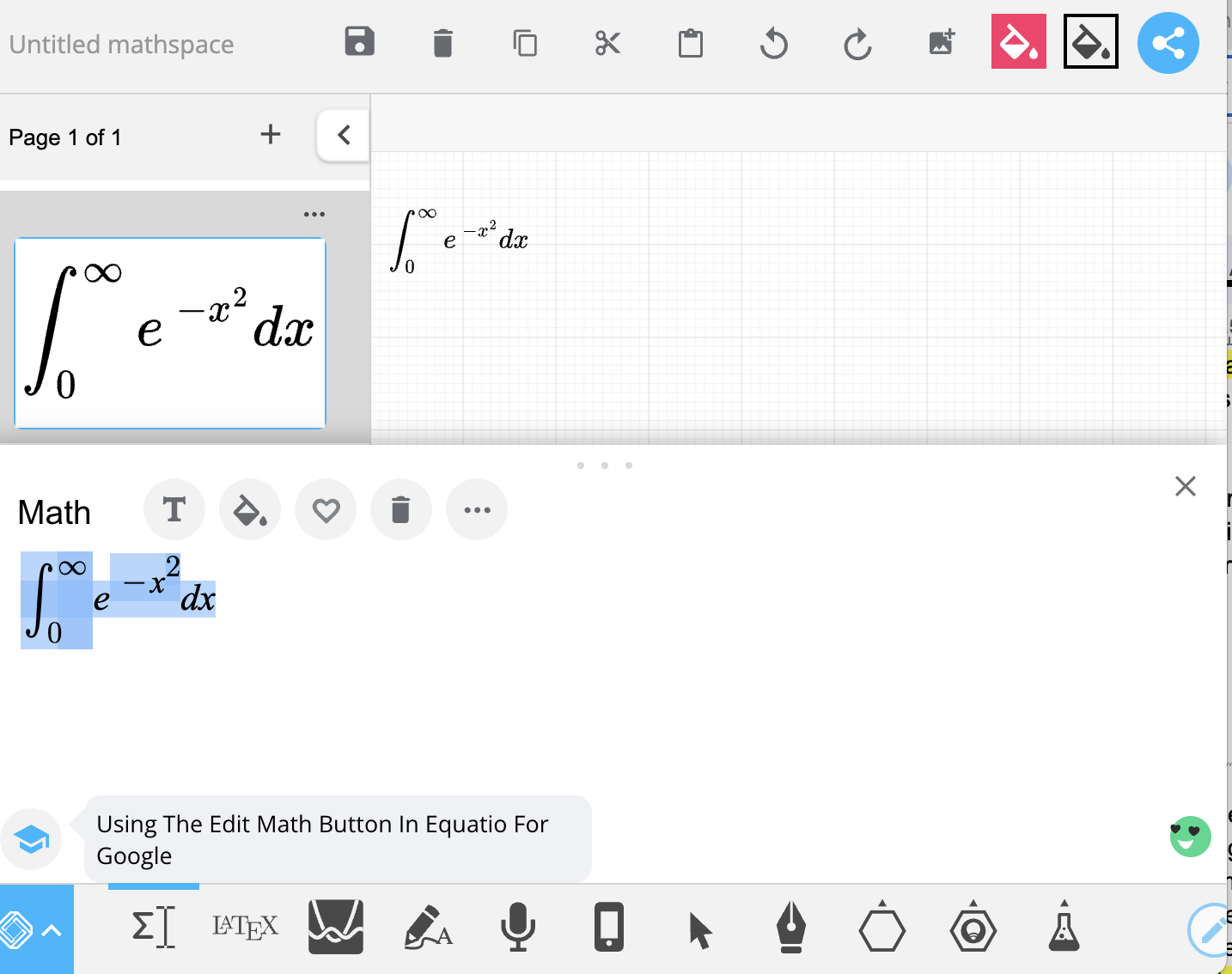 for equatio, register "with MicroSoft" with your IU account, and exercise screenshot; | 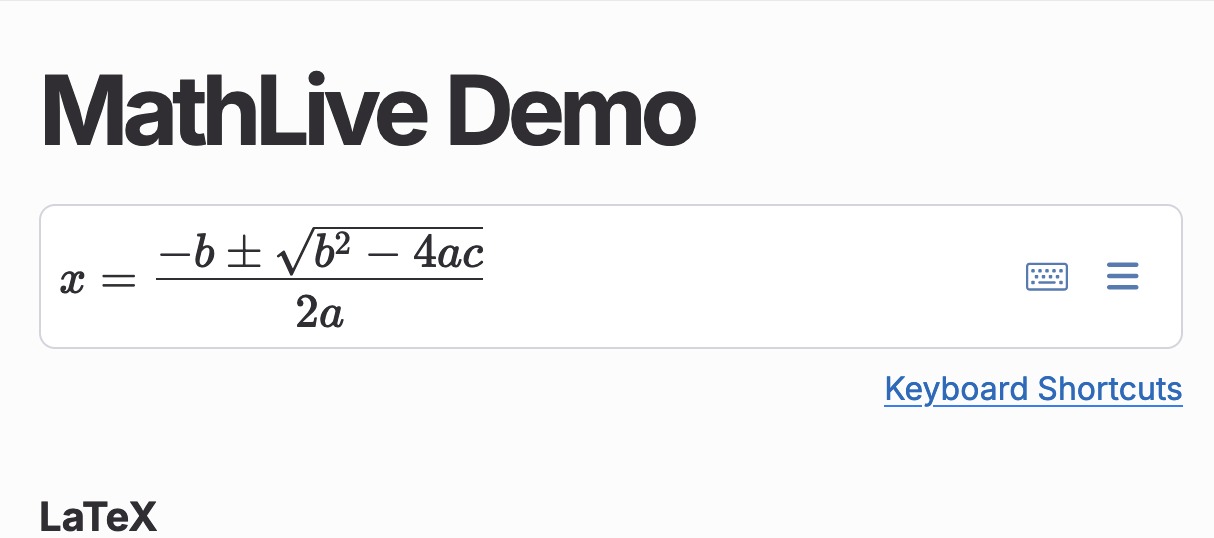 for Mathlive, select all then find the command "Copy MathML" behind the ≡ menu. |
We have prepared 5 tasks for which you should copy the math. Process all tasks or perform the copy until the time is up (40 minutes are counted automatically).
Then please click the "finish input" at the very bottom of the page to give your evaluation and send the information to us.
Thanks so much in advance for your help!